Overall goal
This project focused on building a self-hosted media server using recycled hardware, eliminating dependence on commercial streaming platforms like Netflix, Spotify, and Disney+. The result is a fully automated system with its own interface, capable of organizing, enriching, and playing multimedia content on any device on the local network—without monthly fees, without catalog restrictions, and with complete control over the data.
Technological context
- Hypervisor: Proxmox VE running on recycled desktop hardware
- Virtualization: LXC containers with Debian 12
- Container orchestration: Docker + Docker Compose
- Movie manager: Radarr
- Series manager: Sonarr
- Indexer manager: Prowlarr
- Download client: qBittorrent
- Subtitle manager: Bazarr
- Media server: Jellyfin
- Request manager: Jellyseerr
- Reverse proxy: Nginx Proxy Manager
- DNS / ad-blocking: Pi-hole
- Network: Custom Docker bridge network (
media-network)
Implemented solution
The system operates as a fully automated pipeline: from the moment a user requests a movie until it becomes available in the playback interface, without manual intervention. All services run as Docker containers inside a Debian LXC in Proxmox, share common volumes, and communicate with each other by service name through an internal bridge network.
Base architecture: Proxmox + LXC
The decision to use Proxmox VE as the hypervisor was driven by the need to get the most out of the available hardware without sacrificing isolation between services. Unlike a full virtual machine, LXC containers share the host kernel, which keeps overhead minimal and boot times almost instant.
The final architecture in Proxmox was split into three independent LXC containers:
| LXC          | OS        | Role                    |
| ------------ | --------- | ----------------------- |
| `lxc-pihole` | Debian 12 | Local DNS + ad blocking |
| `lxc-proxy`  | Debian 12 | Reverse proxy + SSL     |
| `lxc-media`  | Debian 12 | Full media stack        |
This separation allows each service to be backed up, shut down, or recreated independently without affecting the others.
LXC configuration for Docker
A critical detail when running Docker inside LXC is enabling nesting support and, if hardware transcoding is required, mapping the /dev/dri device from the host into the container. This is configured in the container options from the Proxmox interface before starting it.
Orchestration with Docker Compose
All services in the media server are declared in a single docker-compose.yml file. The advantage of this approach is that the complete stack can be started with one command, the setup is reproducible and versionable, and dependencies between services are explicit.
networks:
  media-network:
    driver: bridge
All containers share the same bridge network (media-network), allowing them to reference each other by service name instead of IP addresses. For example, Radarr can communicate with qBittorrent at qbittorrent:5080 without extra configuration.
Shared volumes
A key design decision was keeping the volume mapping consistent across services. The media and download directories are mounted with the same internal path in every container that needs them:
# qBittorrent downloads here
- /media/downloads:/downloads
- /media/movies:/movies

# Radarr moves/renames files from downloads to movies
- /media/movies:/movies
- /media/downloads:/downloads

# Jellyfin reads in read-only mode
- /media/movies:/data/movies:ro
This ensures that when Radarr moves a downloaded file into the movie library, Jellyfin detects it automatically in the correct location without additional setup.
The automated pipeline
The complete end-to-end flow works like this:
Jellyseerr (user request)
    ↓
Radarr / Sonarr (search via Prowlarr)
    ↓
qBittorrent (torrent download)
    ↓
Radarr / Sonarr (renaming and organizing files)
    ↓
Bazarr (automatic subtitle download)
    ↓
Jellyfin (available for playback)
Once configured, the only manual step is making the request in Jellyseerr. Everything else happens automatically.
Prowlarr as the indexer layer
Instead of configuring the same trackers manually in Radarr and Sonarr, Prowlarr acts as a central indexer proxy. Each indexer is configured once in Prowlarr and then synced automatically to both managers. This reduces duplicate configuration and centralizes source management.
Hardware transcoding in Jellyfin
To avoid saturating CPU while playing content on devices that do not support the original format (for example, H.265/HEVC on an older Smart TV), Jellyfin takes advantage of the host GPU through Docker device mapping:
jellyfin:
  devices:
    - /dev/dri:/dev/dri
This enables hardware acceleration via Intel Quick Sync (or VA-API), offloading transcoding to the GPU and keeping CPU usage low even with several simultaneous streams.
Clean access via reverse proxy
With eight services running on different ports (:8096, :7878, :8989, :9696...), remembering each one is impractical. Nginx Proxy Manager solves that with a graphical interface for creating Proxy Hosts that map subdomains to each service:
| Subdomain        | Service    | Internal port |
| ---------------- | ---------- | ------------- |
| `jellyfin.local` | Jellyfin   | 8096          |
| `radarr.local`   | Radarr     | 7878          |
| `sonarr.local`   | Sonarr     | 8989          |
| `request.local`  | Jellyseerr | 5055          |
Nginx Proxy Manager also handles automatic Let's Encrypt certificate renewal, allowing HTTPS access both on the local network and optionally remotely.
Pi-hole: local DNS with ad blocking
A separate LXC runs Pi-hole, configured as the primary DNS server on the router. This blocks ads and trackers at the network level for all devices in the home—without installing extensions on every browser or device. This follows the same philosophy as the rest of the infrastructure: regaining control over what enters and leaves the network.
Result
The system is fully operational with:
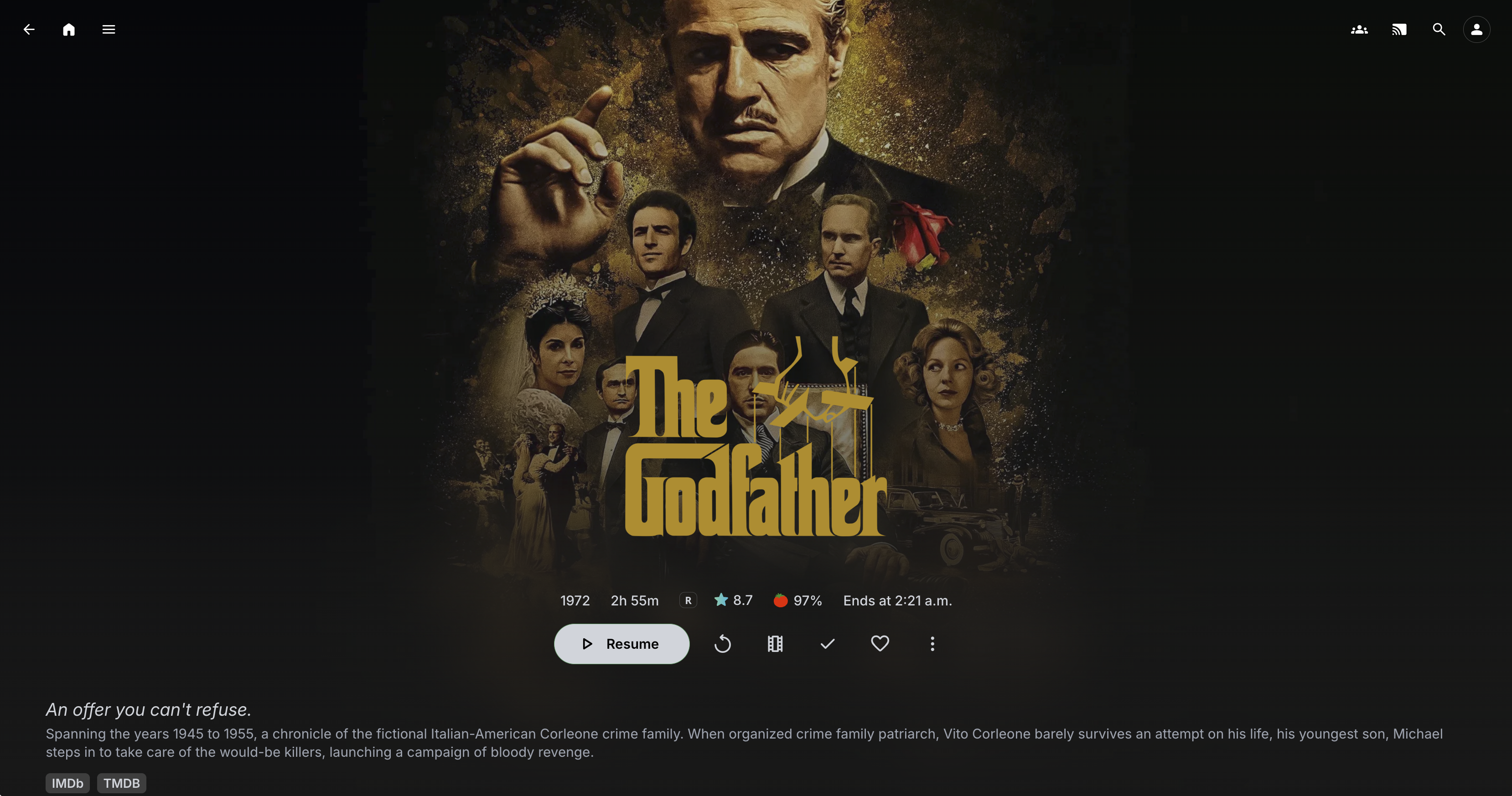
- A movie, series, and music library accessible from any device on the local network (TV, phone, tablet, PC) through the Jellyfin app
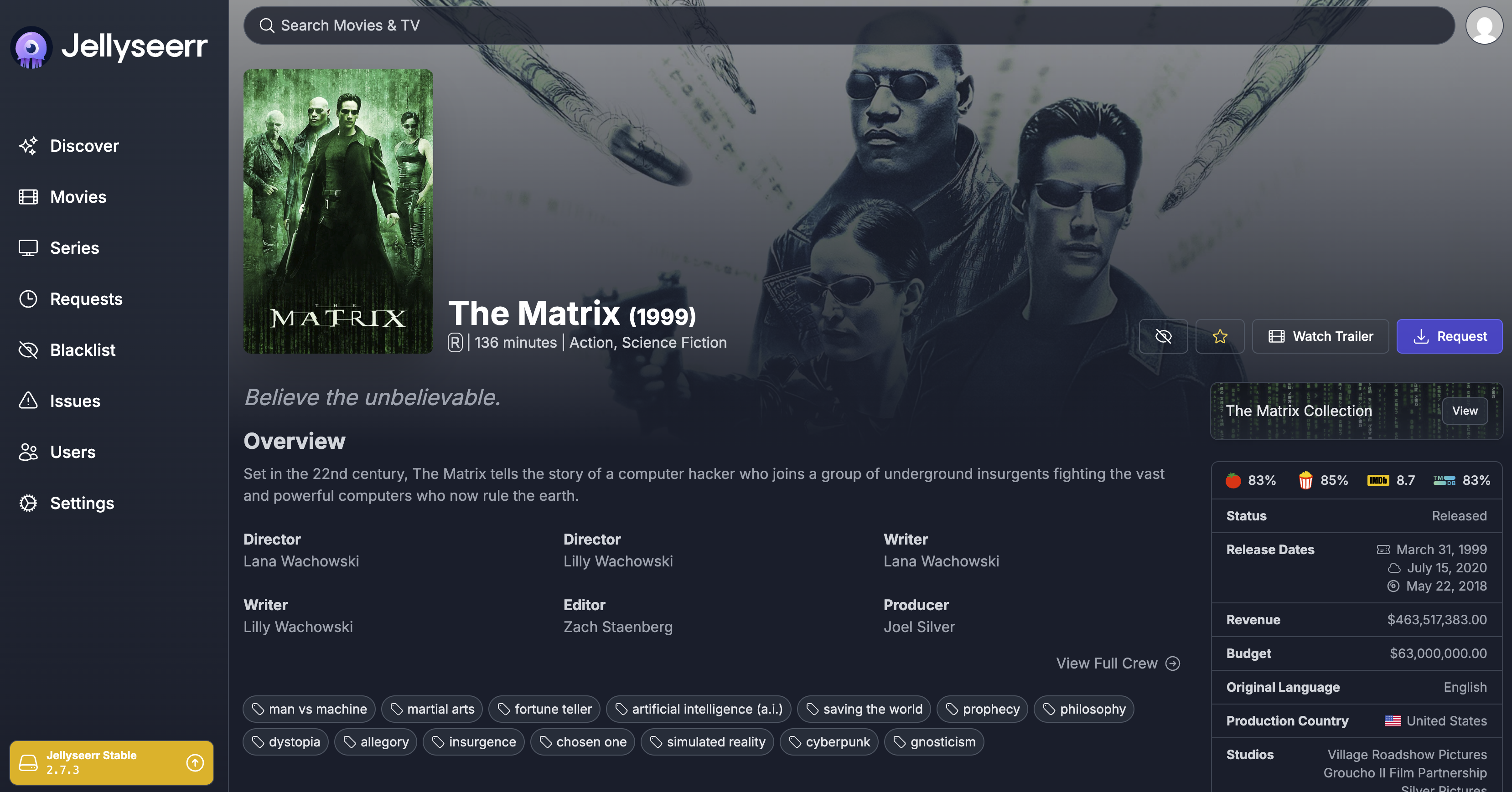
- New content requests managed from Jellyseerr, with automatic downloads and organization
- Subtitles automatically downloaded in the configured language
- Access to each service via clean subdomains with HTTPS
- Active ad blocking across the local network through Pi-hole
- A fully reproducible stack—bringing everything back up from scratch is just a matter of
docker compose up -d
Screen shots